
Workspace
The editor is a native desktop app: a Rust core under a Qt interface that you arrange the way you work. Layouts, shortcuts, languages, the library and the picture cache are all yours to set.
- Dockable views
- Saved workspaces
- Four interface languages
- Library and version history
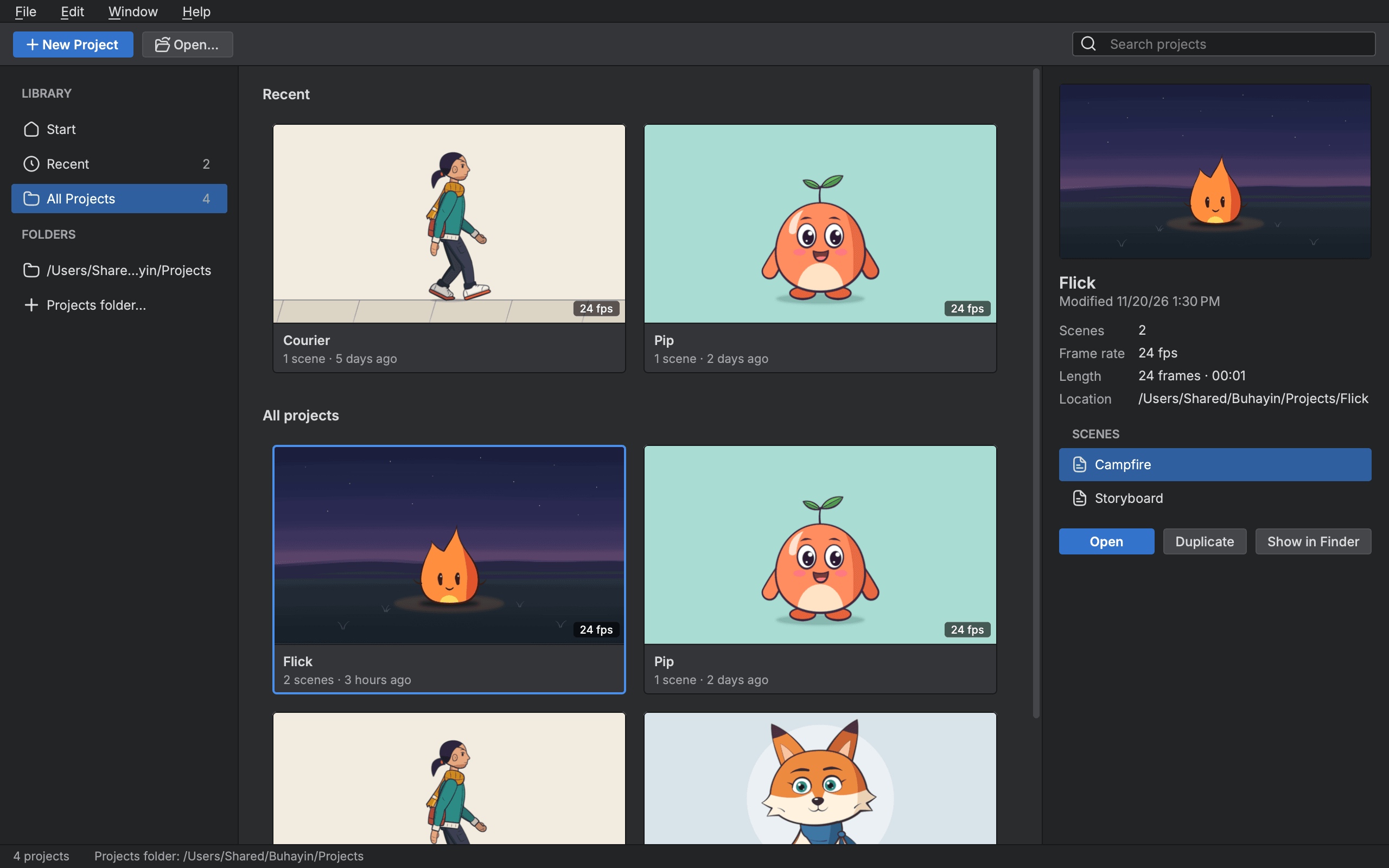
Arrange the editor
- Arrange your views
- Split the window into areas, drag tabs between them, or float a view in a window of its own.
- Workspaces
- Save the whole arrangement as a workspace, and start from the ones that ship for animating, compositing and more.
- Keyboard shortcuts
- Change any command's keys and keep whole sets of shortcuts.
- Interface languages
- Use the editor in English, Spanish, Japanese or Simplified Chinese.
Keep and reuse work
- Version History
- Go back to a named or saved version, which opens as a new scene beside this one.
- Library
- Keep symbols, templates, sounds, models and references, and share them across every scene.
Play and build
- Render and play
- Play the scene in a player window with its sound, at the scene's rate.
- Picture cache
- Finished pictures are kept, so a frame is drawn once and shown many times.
Start animating in Buhayin.
The editor is free for everyone, with every drawing, animation and export tool included.
macOS 14.2 or later, on Apple silicon