
Storyboard
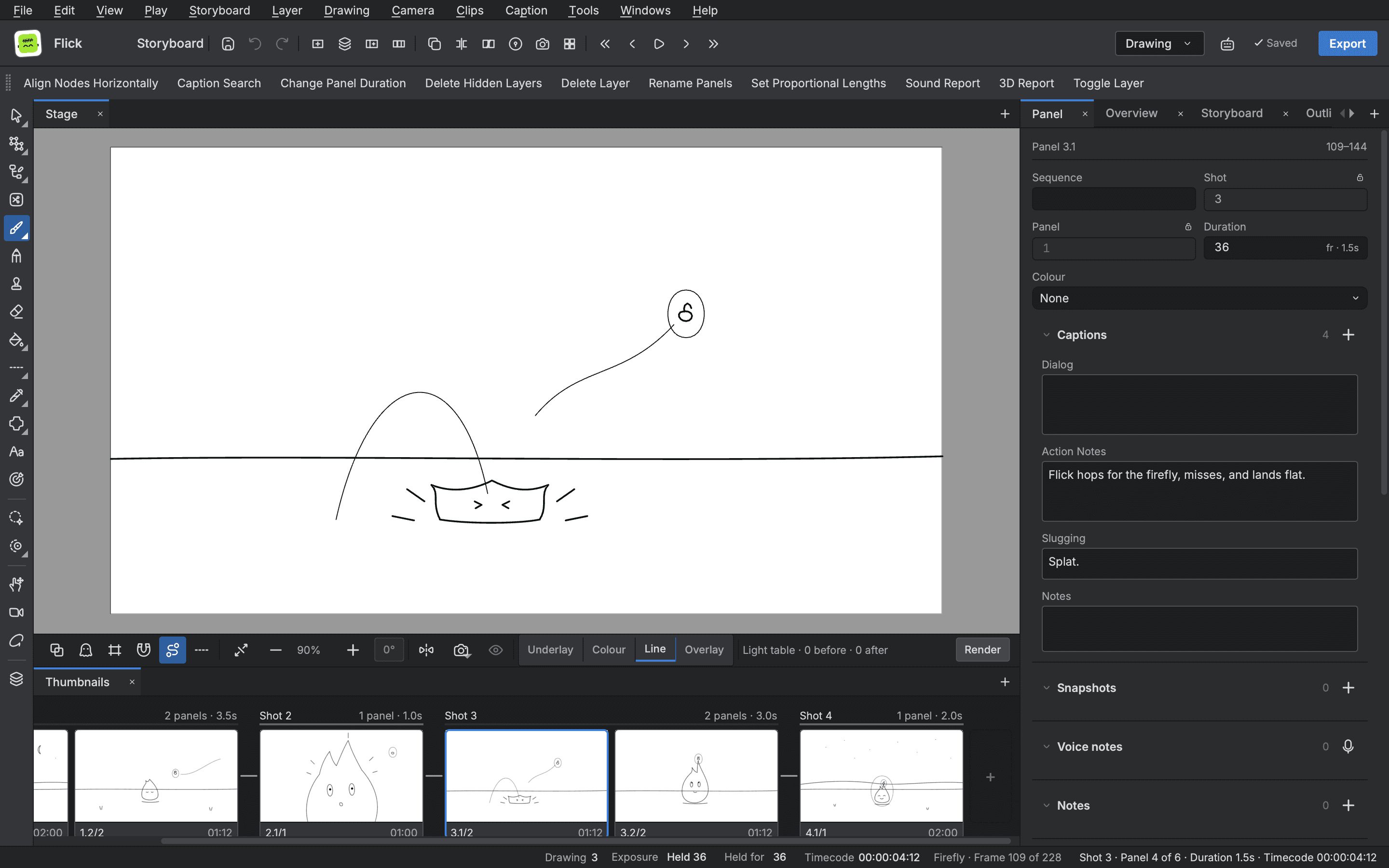
A project's storyboard is a file of its own beside its scenes, and it plays, checks and exports like the rest of the work. Panels, captions, timing, continuity and the production board live in the same editor as the animation they lead to.
- Panels, shots and sequences
- Timing on the Timeline
- Continuity check
- Scenes made from the board
Build the board
- Panels, shots and sequences
- Build the board as a tree of acts, sequences, shots and panels, with thumbnails and the current panel's details beside them.
- Captions
- Give each panel its action, dialogue and notes, with styling and a spell check across the board.
Time it
- Timing on the Timeline
- The board sits under the Timeline's ruler frame for frame, so you lengthen or trim a panel by dragging its edge.
- Transitions
- Bring a shot in on a dissolve, and see the shots joined by their jumps.
Check it and send it on
- Continuity check
- Check screen direction, eyelines and jump cuts, with a fix offered for each problem.
- Production board
- See every scene by stage, status, assignee and due day, and open it from the list.
- Scenes from the board
- Make a scene file of each shot beside the storyboard, and bring it up to date when the board changes.
- Storyboard PDF
- Lay the board out as a PDF with a profile you can edit, and review the pages with their problems flagged.
Start animating in Buhayin.
The editor is free for everyone, with every drawing, animation and export tool included.
macOS 14.2 or later, on Apple silicon