
Draw
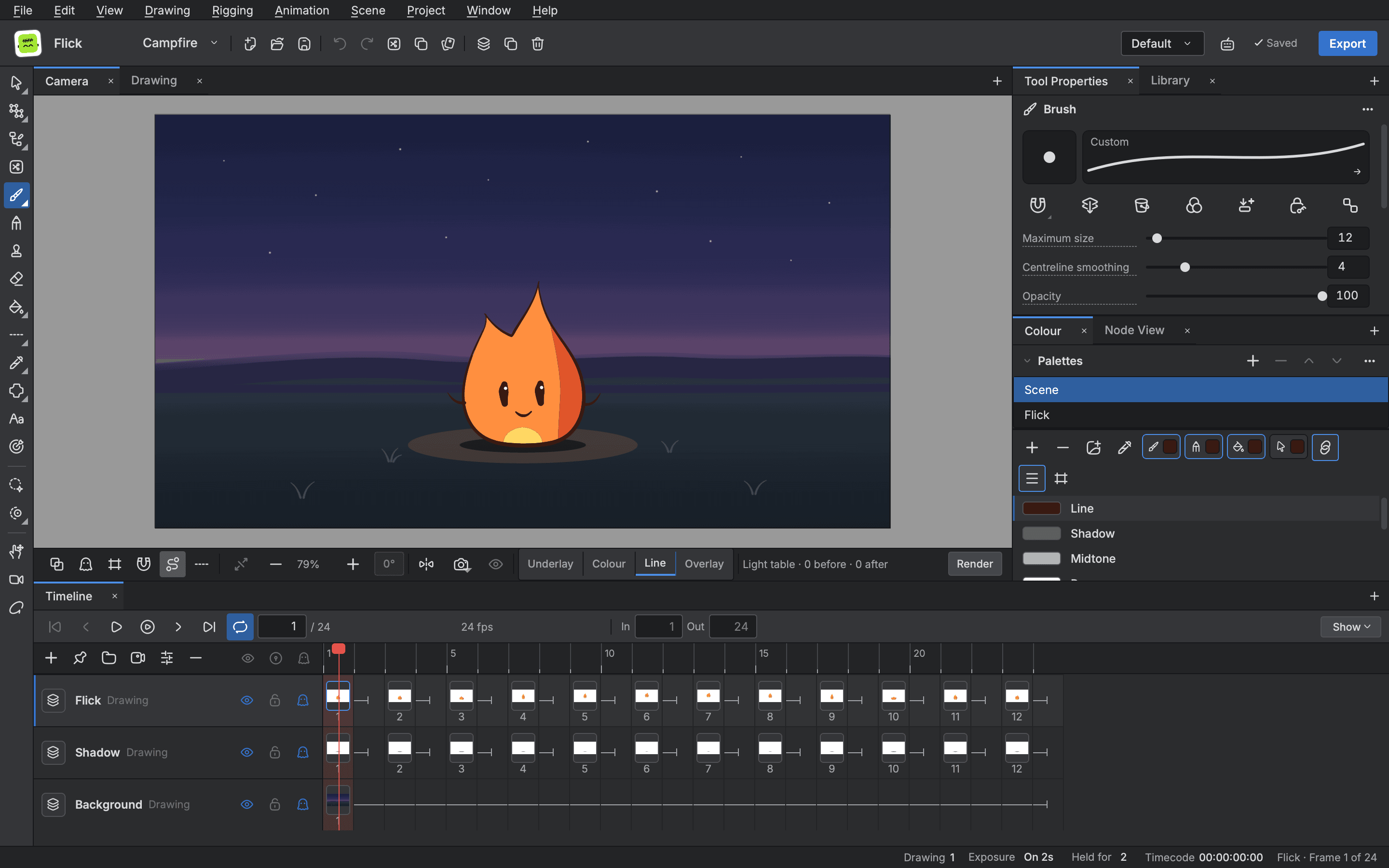
Draw clean line art as vector so it can be edited and posed again, or paint in pixels on a bitmap layer for textured, frame by frame work. Every pen answers to pressure, and every setting you tune can be saved as a preset.
- Vector and bitmap layers
- Pressure sensitive pens
- Fills that close gaps
- Onion skin and guides
Pens and brushes
- Brush
- A pressure sensitive brush whose line swells and tapers with your hand, steadied by a stabiliser.
- Pencil
- An even line with round, flat or bevel tips and a pencil texture for a drawn feel.
Paint and bitmap layers
- Paint
- Fill closed line art in a click, or only inside the region you lasso.
- Close gaps
- Bridge small breaks in a line so a fill does not leak.
- Vector and bitmap layers
- Paint in pixels on a bitmap layer beside clean vector art in the same scene.
Aids and presets
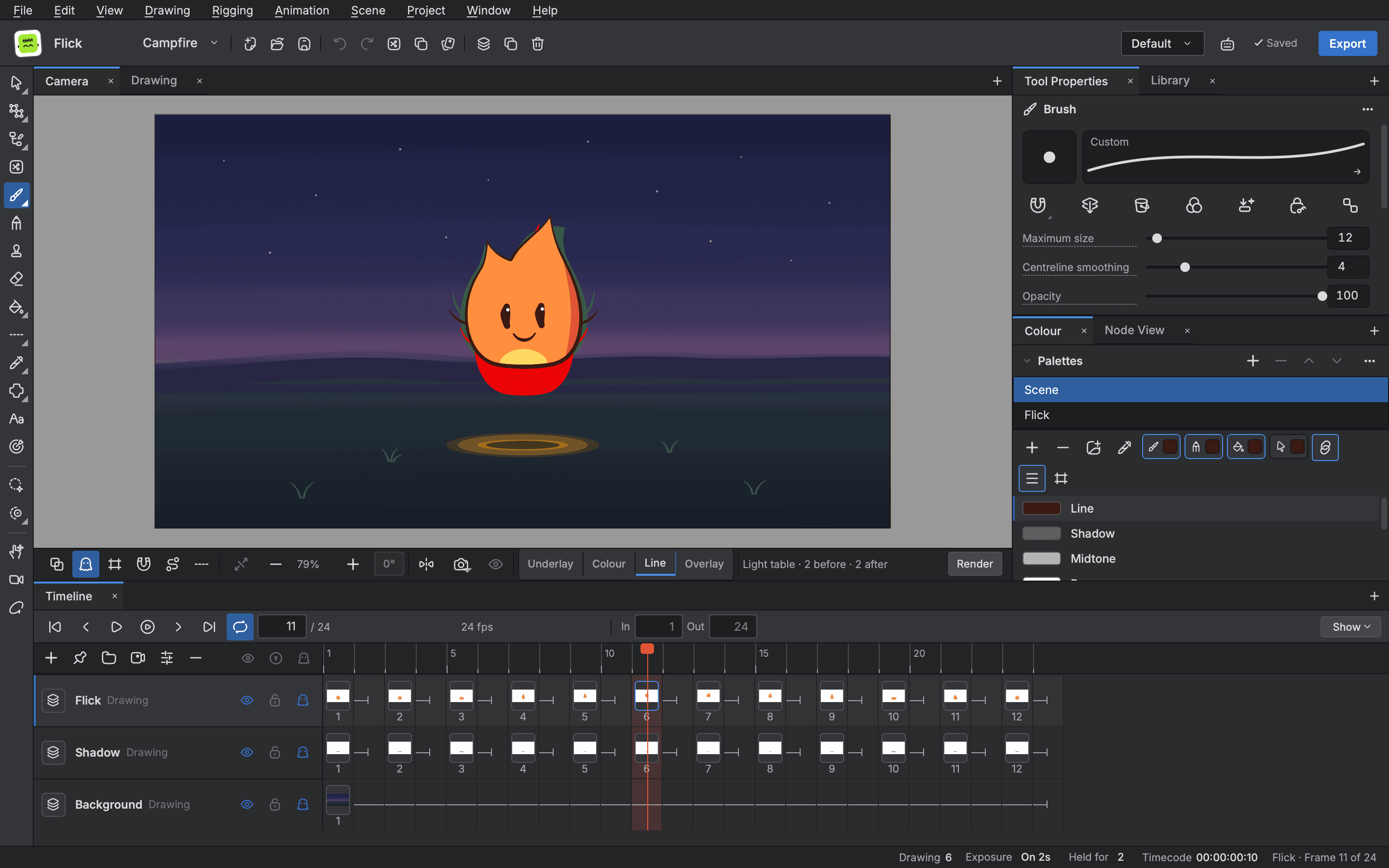
- Onion skin
- See the frames before and after the one you draw, in colour if you like.
- Guides
- Draw along rulers, grids, perspective guides or a symmetry guide that mirrors your line.
- Tool presets
- Save any tool's settings as a named preset and bring it back with a shortcut.
Start animating in Buhayin.
The editor is free for everyone, with every drawing, animation and export tool included.
macOS 14.2 or later, on Apple silicon