
Camera and depth
The camera decides what is seen and how each plane is scaled by its depth. Hang drawings and models at depths, check them from an orbit, and the frame is staged as a multiplane camera stages it.
- Camera with a lens
- Depth you can orbit
- Depth of field
- 3D models in the scene
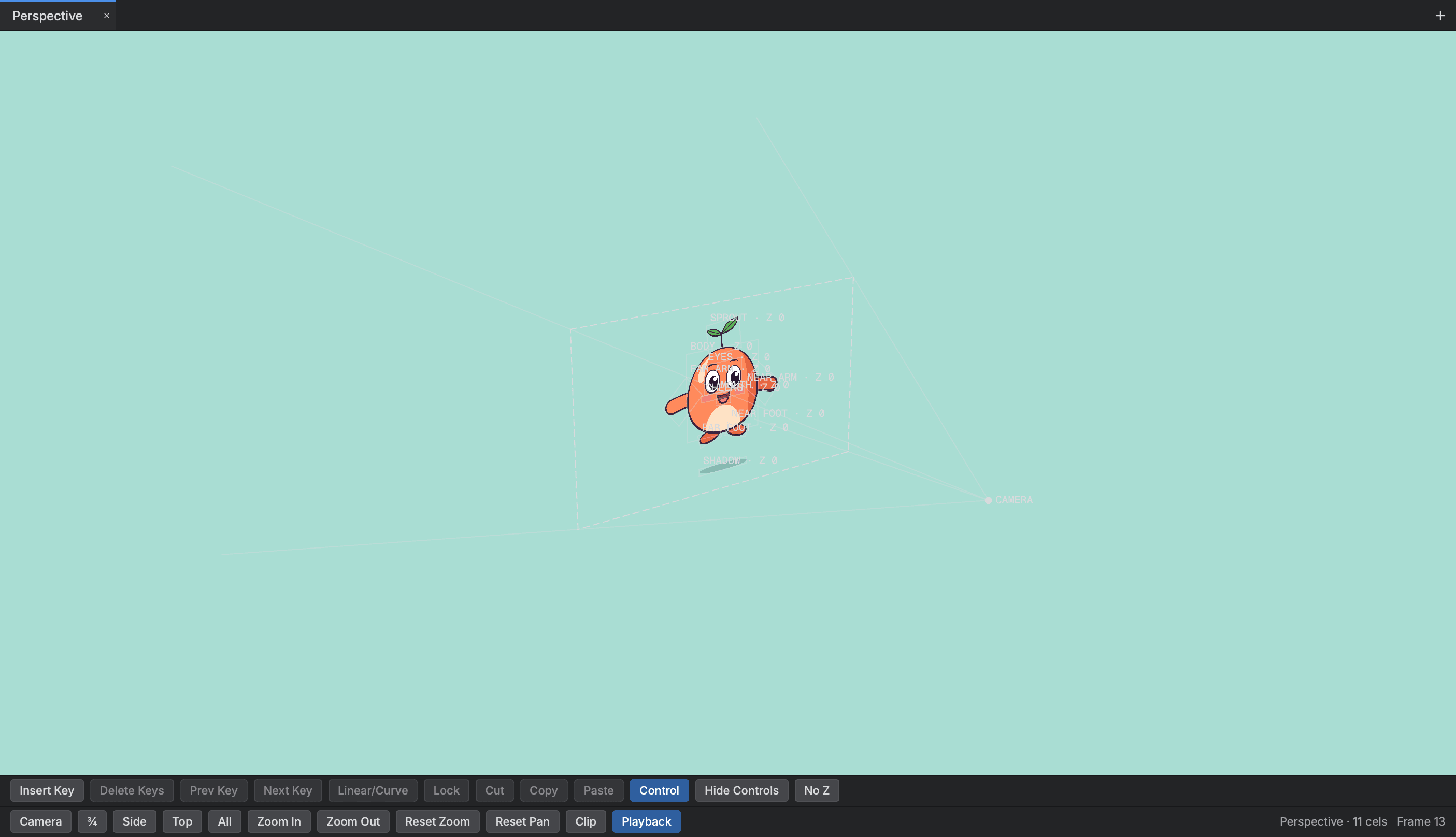
The camera
- Camera
- Set its position, angle and field of view, and key them like any other value.
- Perspective lens
- A plane further back is seen smaller, and planes outside the near and far planes drop out.
Depth and the Perspective view
- Perspective view
- Orbit the staged scene with each drawing hung at its depth, and drag a layer along the depth axis.
- Depth composite
- Planes that cross in 3D are laid pixel by pixel at their depth.
- Depth of field
- Blur items by their distance from a focus plane, with a Depth Blur effect for the depth plane.
3D models
- Model layers
- Bring in a 3D model and it shows in the scene as a solid at its own depth.
- Common model formats
- Read glTF, FBX, Collada, OBJ, STL, USD and Alembic files, with skins, morphs and clips.
Start animating in Buhayin.
The editor is free for everyone, with every drawing, animation and export tool included.
macOS 14.2 or later, on Apple silicon