
Sound and lip sync
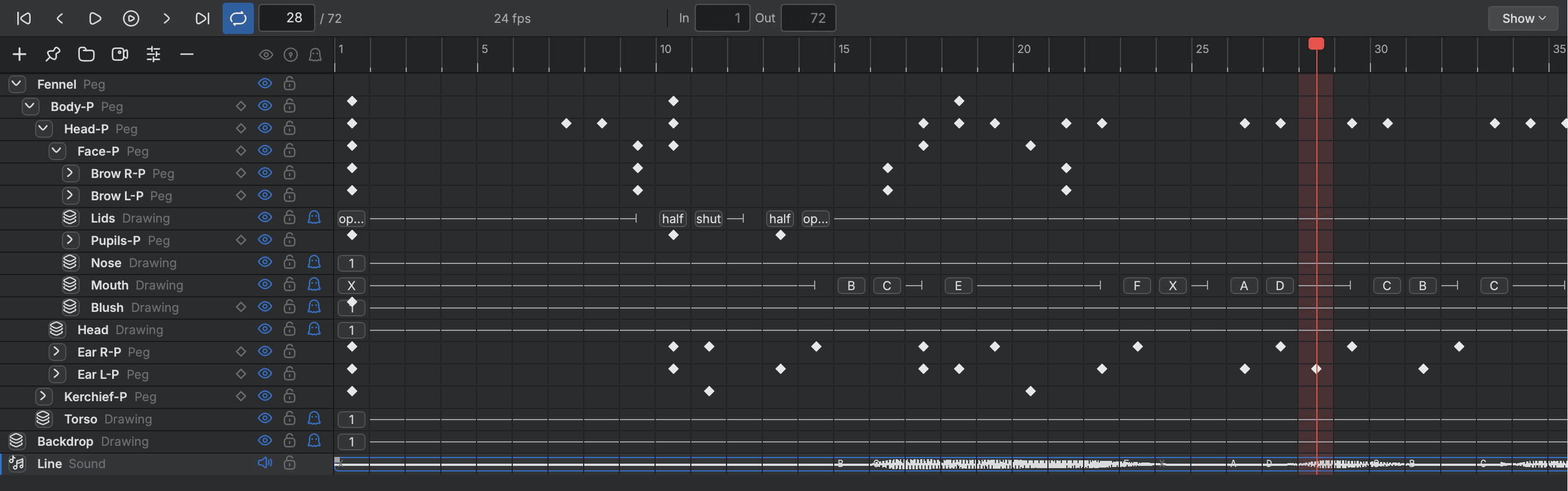
Dialogue, music and effects sit on the Timeline with their waveforms and play in step with the picture. Buhayin can estimate lip sync from a voice track and lay the mouth shapes onto your own mouth drawings.
- Waveforms on the Timeline
- Record and import
- Lip sync detection
- Mapped to your drawings
Bringing sound in
- Import Sound Clips
- Bring in WAV, MP3, M4A, FLAC and Ogg files at the playhead or the first frame.
- Record Sound
- Record from the microphone straight onto a sound track.
On the Timeline
- Waveforms
- See each clip's loudness on its row, so you can time to the sound.
- Clip editing
- Move and trim clips, and drag handles to lengthen fades.
- Volume and fades
- Set volume, fades and mute for a clip, and key a layer's volume.
Lip sync
- Lip sync detection
- Finds a mouth shape for each frame of a voice clip, estimated from loudness or taken from the words when a program is connected.
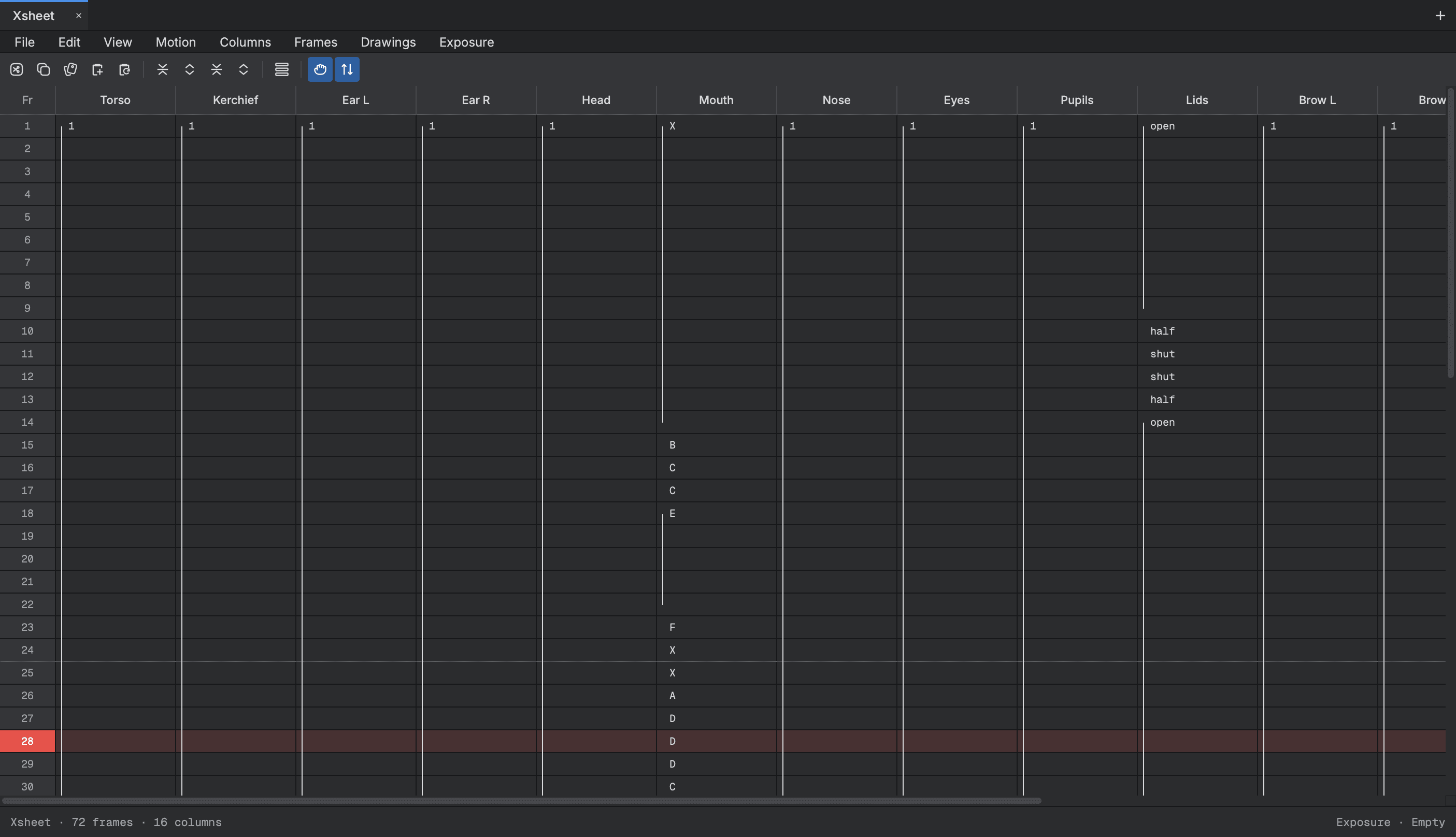
- Lip sync mapping
- Lays the shapes found onto your own mouth drawings.
Start animating in Buhayin.
The editor is free for everyone, with every drawing, animation and export tool included.
macOS 14.2 or later, on Apple silicon