
Rig
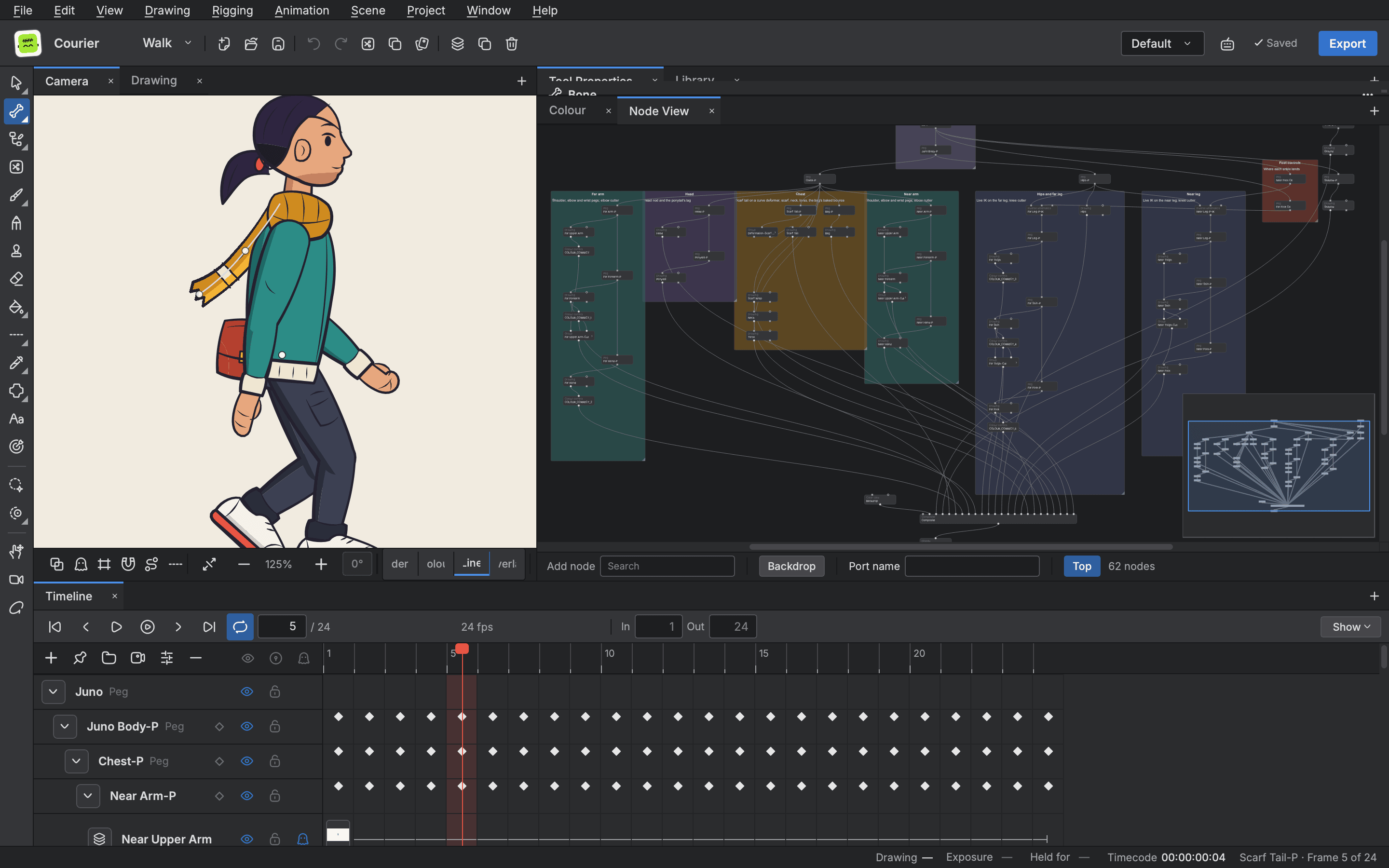
Build a character from separate drawings, hang them on pegs and bend them with deformers instead of redrawing. A rig stays one character from frame to frame, and one control can drive many parts.
- Pegs and bones
- Inverse kinematics
- Deformers that hold volume
- Posing from one control
Skeletons and chains
- Pegs
- Move, turn and scale a part, and every part hung on it follows, so a whole limb moves as one.
- Bones
- Bend a drawing along a bone chain instead of redrawing it.
- Inverse kinematics
- Drag a hand or a foot and the limb finds its angles, with limits and stiffness you set.
- Constraints and springs
- Limit, aim and parent parts, and add a dynamic spring for follow through.
Deformers
- Deformers
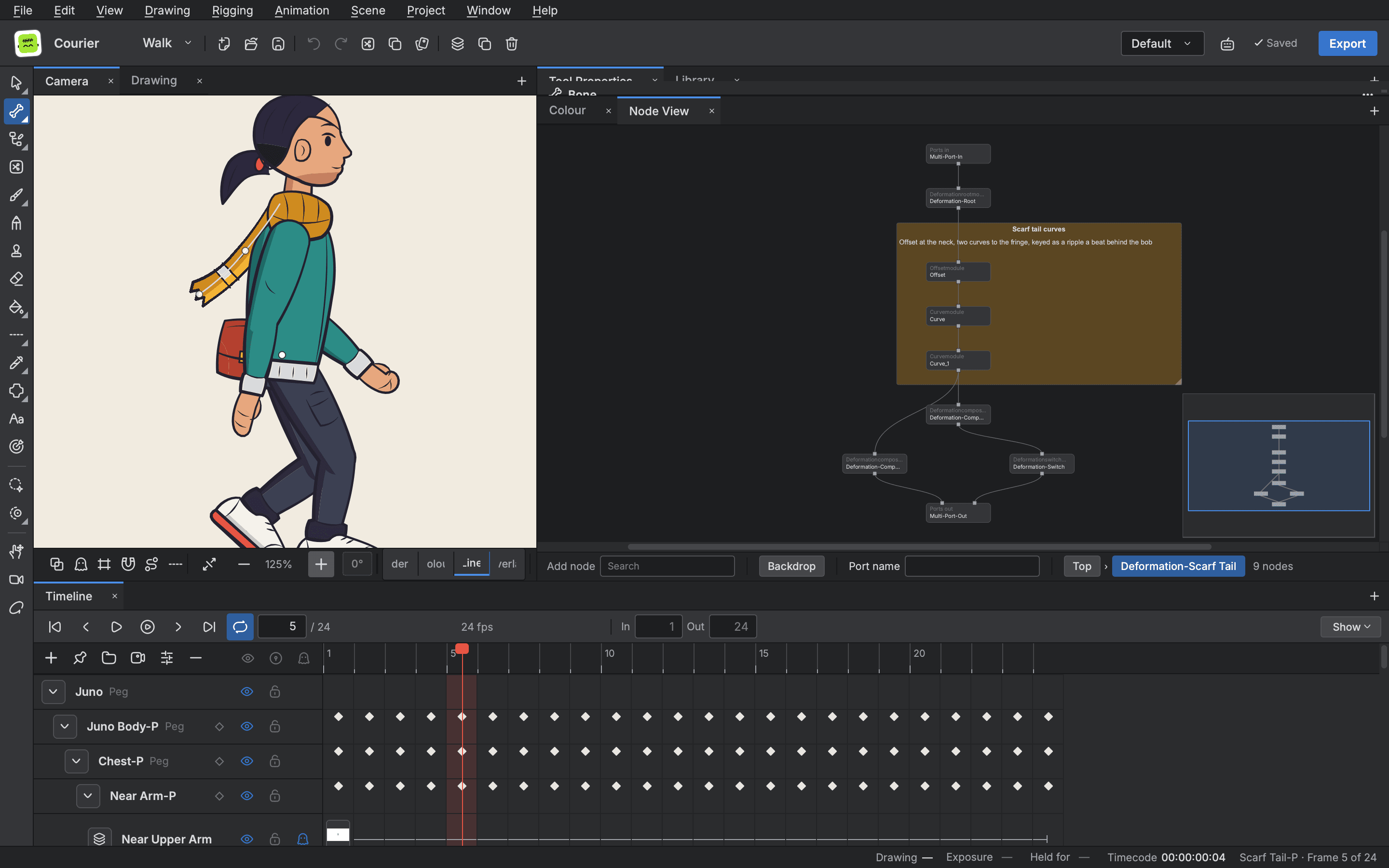
- Bend a drawing with a mesh and bones so the shape holds its volume. Quadmap, mesh warp and free form deformers are there too.
Controls and swaps
- Controllers
- Drive any value from one slider, grid or pose control.
- Master Controller
- Put sliders and grids on the stage and pose a character by dragging them.
- Drawing substitution
- Swap the drawing a cell shows for mouths, hands and head turns, from a grid of thumbnails.

Start animating in Buhayin.
The editor is free for everyone, with every drawing, animation and export tool included.
macOS 14.2 or later, on Apple silicon