
Features
The platform, area by area.
Everything the Buhayin editor does, from the first board to the exported movie. Each area has a page of its own.
01
Draw
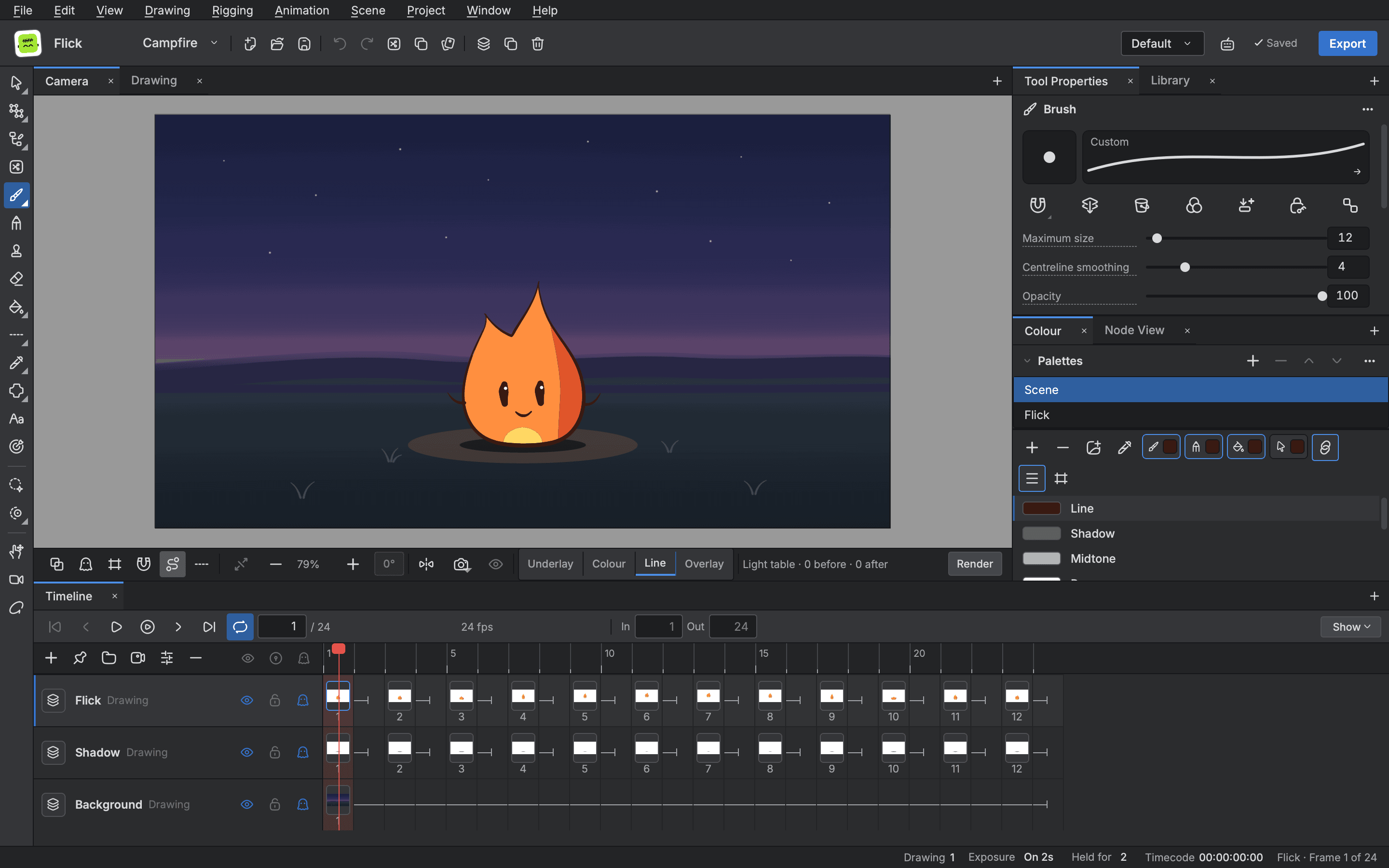
Draw clean line art as vector so it can be edited and posed again, or paint in pixels on a bitmap layer for textured, frame by frame work. Every pen answers to pressure, and every setting you tune can be saved as a preset.
- Vector and bitmap layers
- Pressure sensitive pens
- Fills that close gaps
- Onion skin and guides
02
Animate
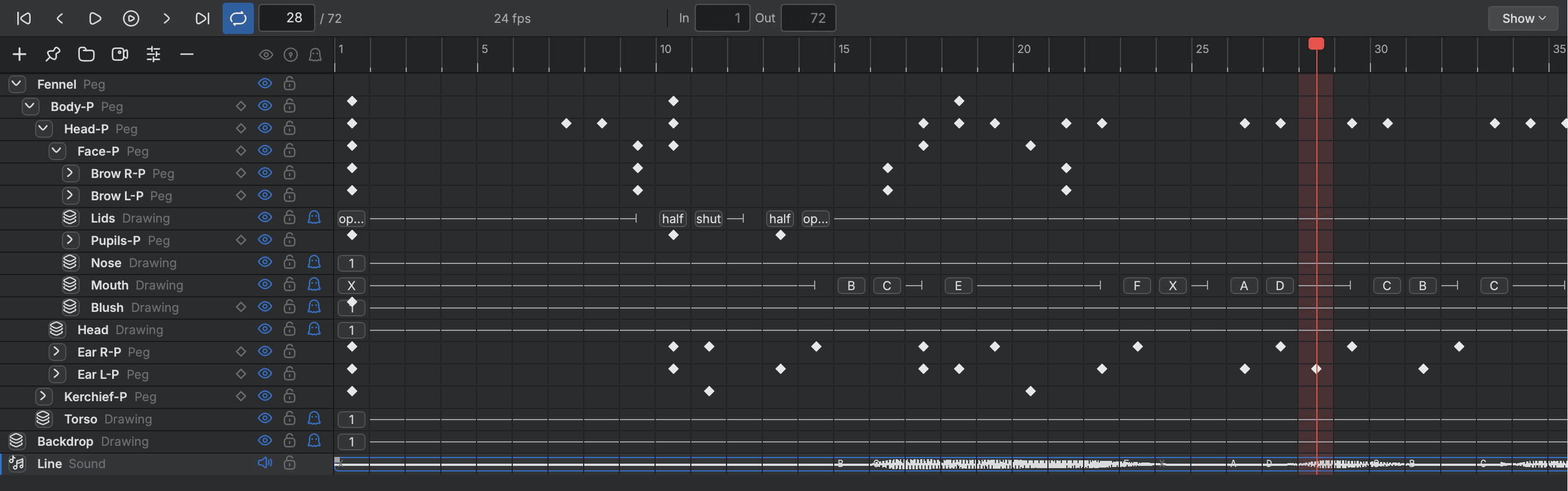
The Timeline shows every layer as a row and every frame as a cell, and the Xsheet shows the same timing on the traditional exposure sheet. Edit in either, shape your motion as curves in the Function view, and check the result in a player window.
- Timeline and Xsheet
- Curves with easing
- Morphing between drawings
- Sound locked playback
03
Rig
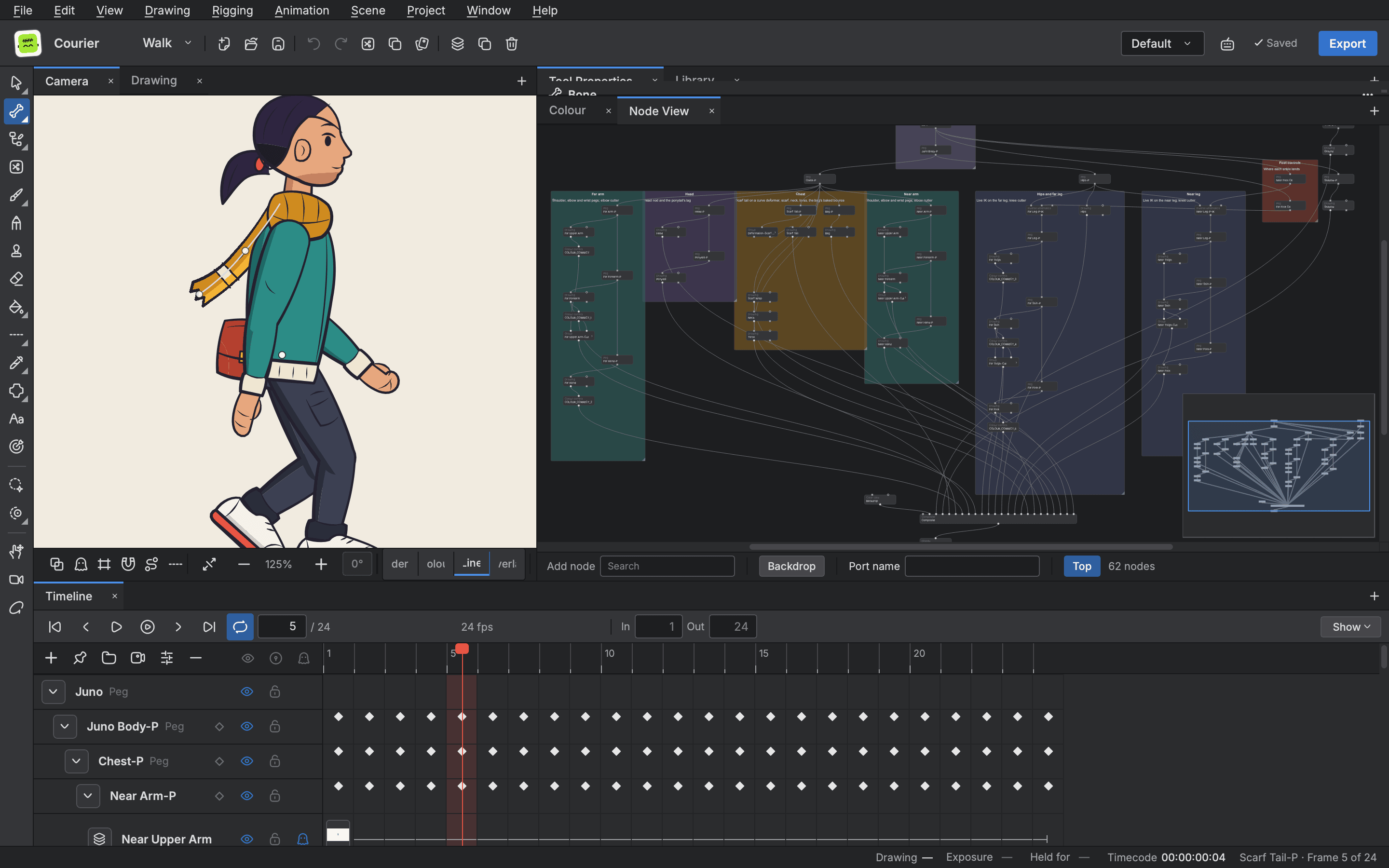
Build a character from separate drawings, hang them on pegs and bend them with deformers instead of redrawing. A rig stays one character from frame to frame, and one control can drive many parts.
- Pegs and bones
- Inverse kinematics
- Deformers that hold volume
- Posing from one control
04
Compose
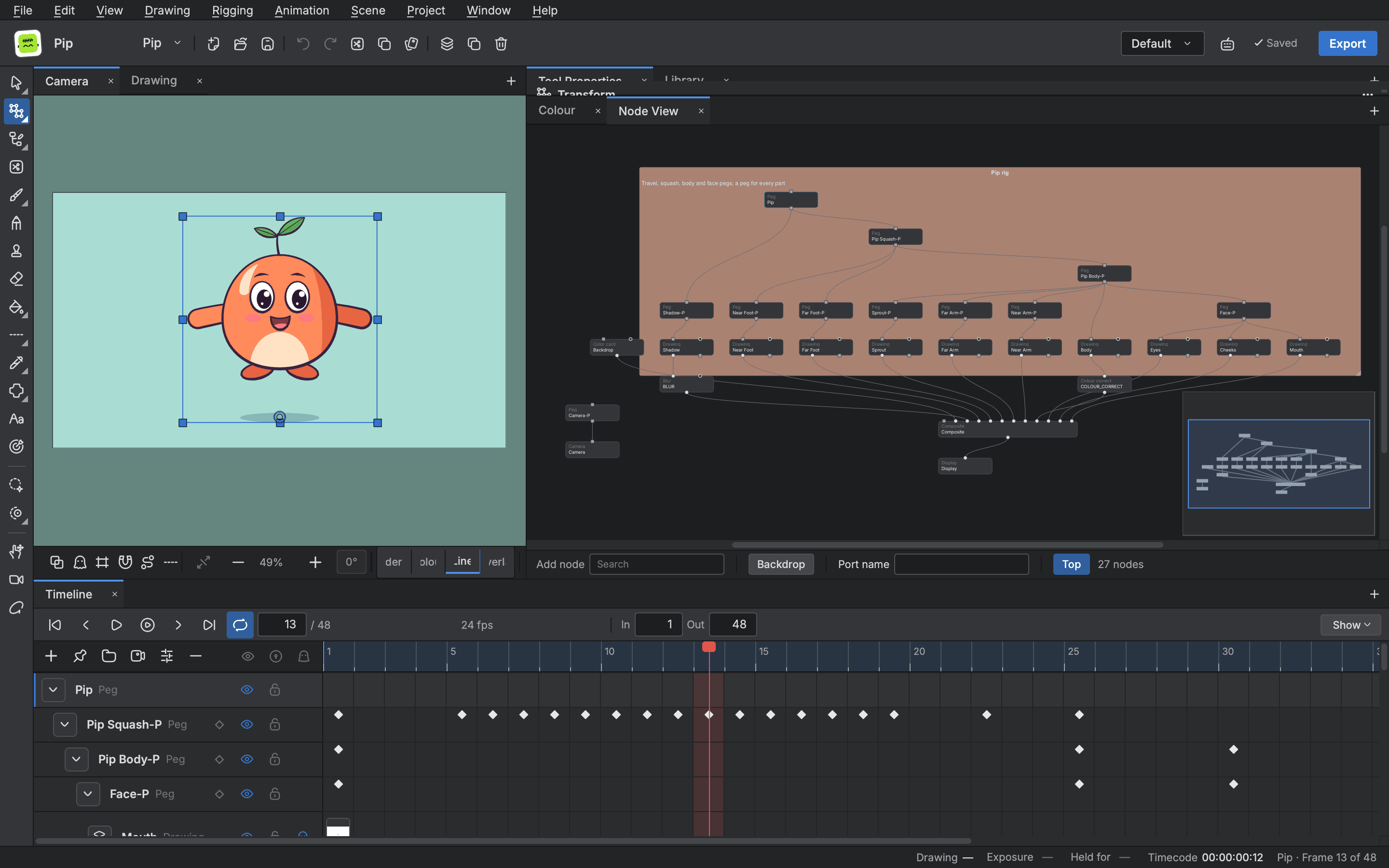
A scene is a graph of nodes joined by cables, and the node view shows it as it is stored. Layers, effects, mattes and the camera all hang on that one graph, so you can see how a frame is built.
- A scene as a node graph
- Effects and blend modes
- Mattes from your lines
- Groups to stay tidy
05
Camera and depth
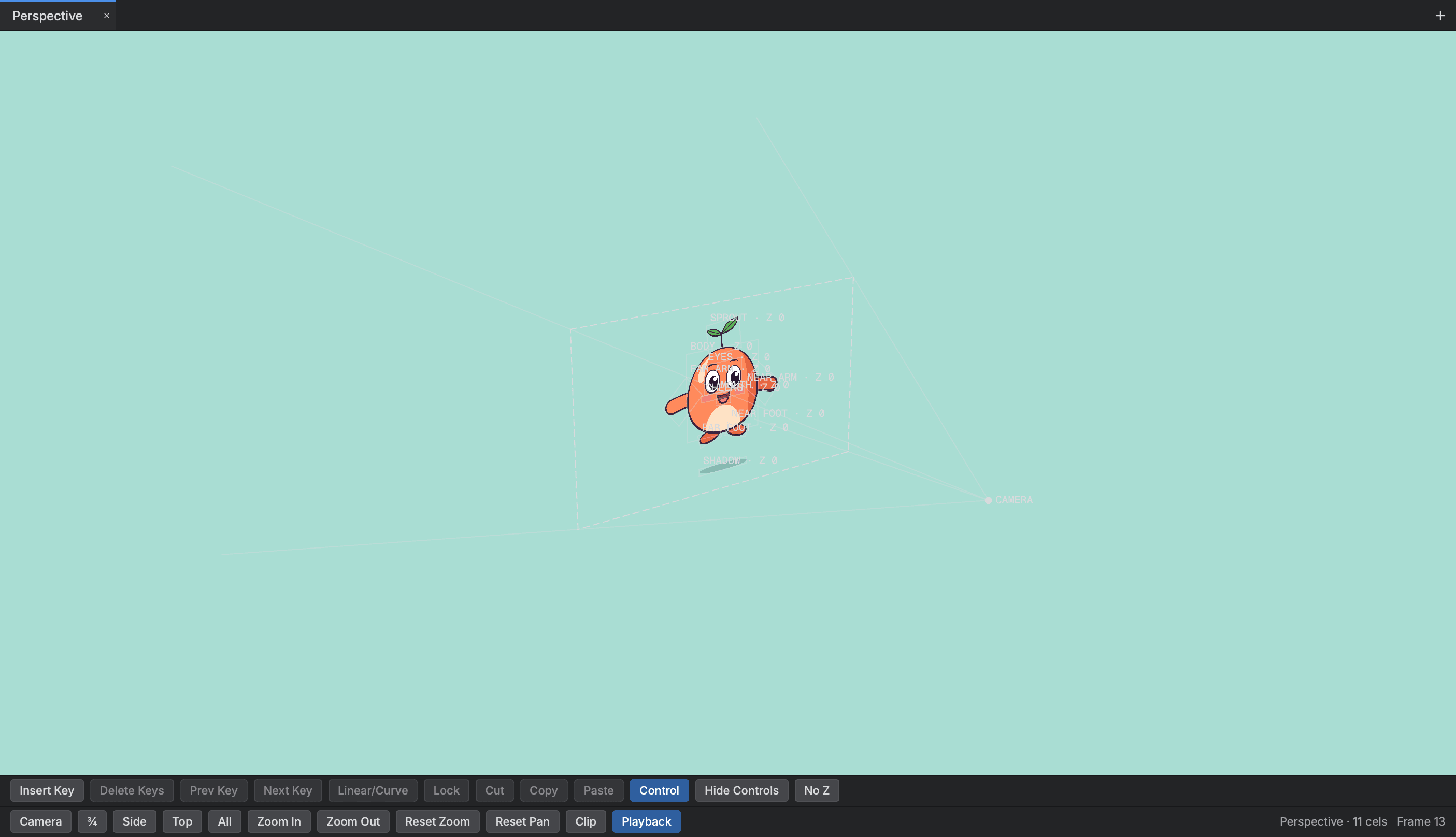
The camera decides what is seen and how each plane is scaled by its depth. Hang drawings and models at depths, check them from an orbit, and the frame is staged as a multiplane camera stages it.
- Camera with a lens
- Depth you can orbit
- Depth of field
- 3D models in the scene
06
Colour
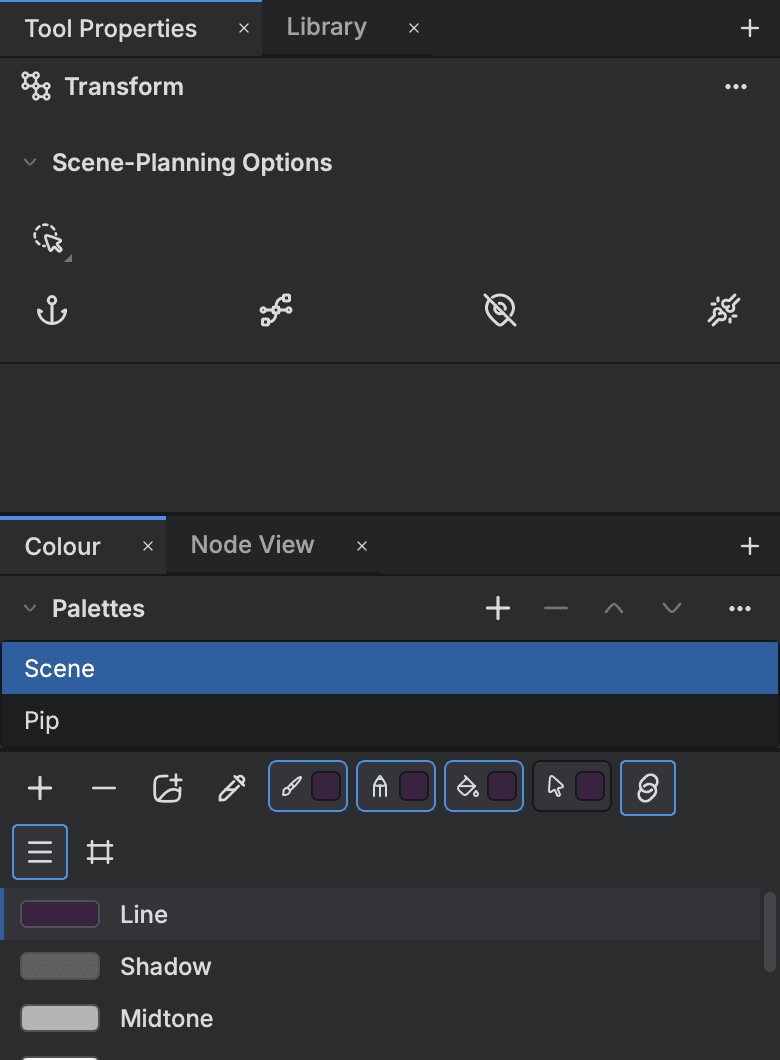
A scene keeps its colours in palettes, so repainting a character means changing a colour, not redrawing a line. The Colour view lists the palettes, sets the four colours your tools draw in and opens an editor for any colour.
- Named palettes
- Palette library
- Gradient colours
- Tint many colours
07
Sound and lip sync
Dialogue, music and effects sit on the Timeline with their waveforms and play in step with the picture. Buhayin can estimate lip sync from a voice track and lay the mouth shapes onto your own mouth drawings.
- Waveforms on the Timeline
- Record and import
- Lip sync detection
- Mapped to your drawings
08
Storyboard
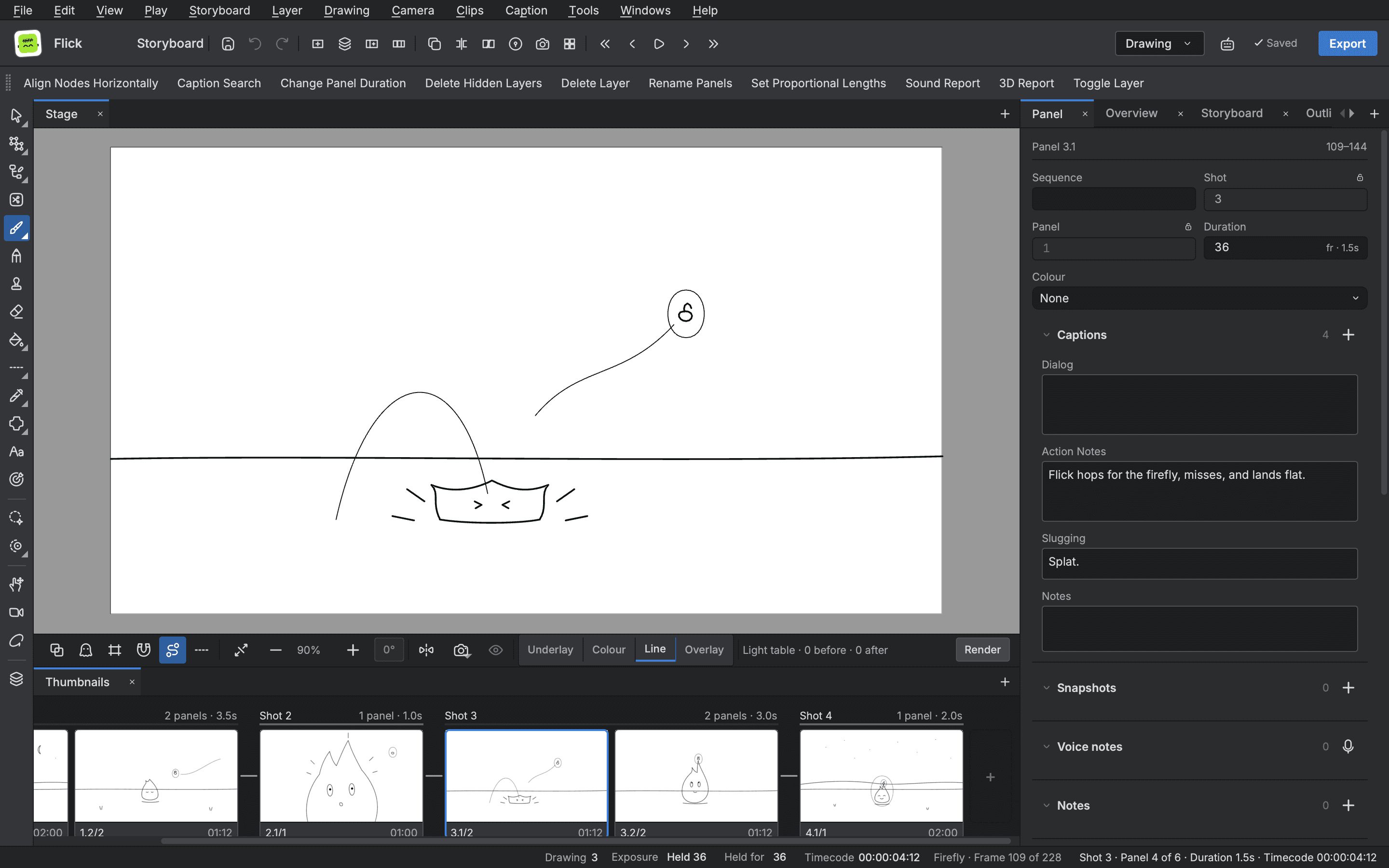
A project's storyboard is a file of its own beside its scenes, and it plays, checks and exports like the rest of the work. Panels, captions, timing, continuity and the production board live in the same editor as the animation they lead to.
- Panels, shots and sequences
- Timing on the Timeline
- Continuity check
- Scenes made from the board
09
In and out
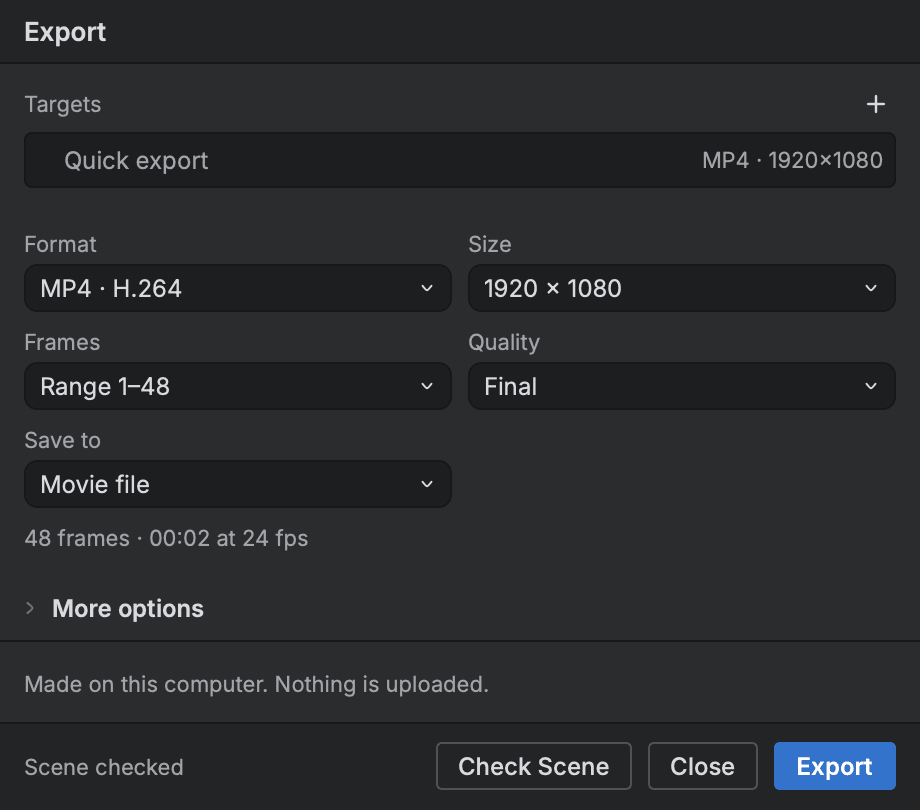
Work comes into Buhayin as pictures, layered files, vector art, movies and whole scenes, and goes out as movies, frame sequences, sheets, edit lists and PDFs. Everything that comes in is read into Buhayin's own model, and what could not come across is noted so you can see it.
- Harmony scene import
- Movies and image sequences
- Vector and picture import
- Edit lists for editors
10
Scripts and command line
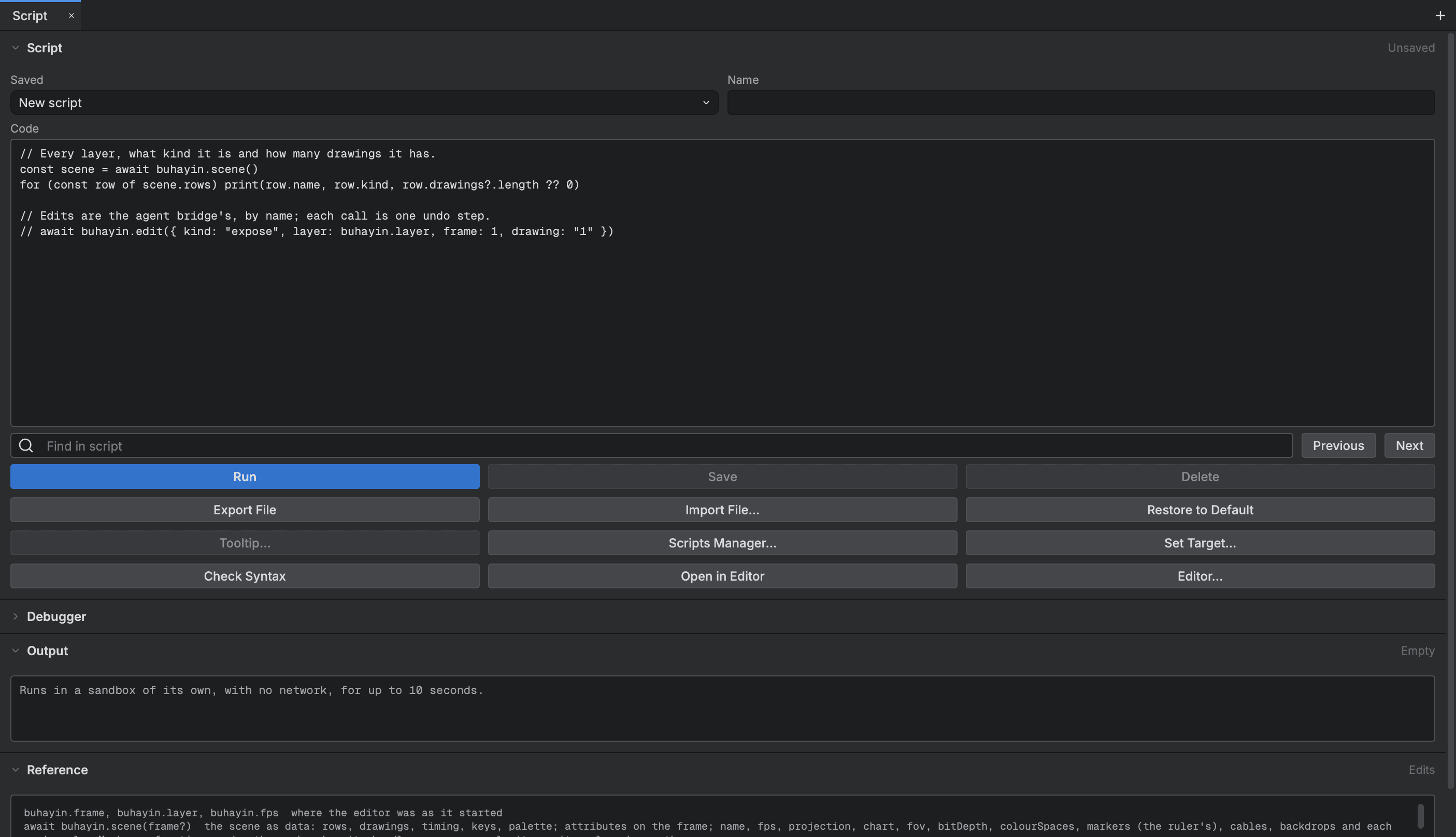
Buhayin scripts in JavaScript inside the editor, and a command line program works on scene files with the same code and no window. A job done once by hand can then run across every scene you give it.
- Scripts in the editor
- Saved scripts and tools
- Batch render and export
- Command line, no window
11
Workspace
The editor is a native desktop app: a Rust core under a Qt interface that you arrange the way you work. Layouts, shortcuts, languages, the library and the picture cache are all yours to set.
- Dockable views
- Saved workspaces
- Four interface languages
- Library and version history
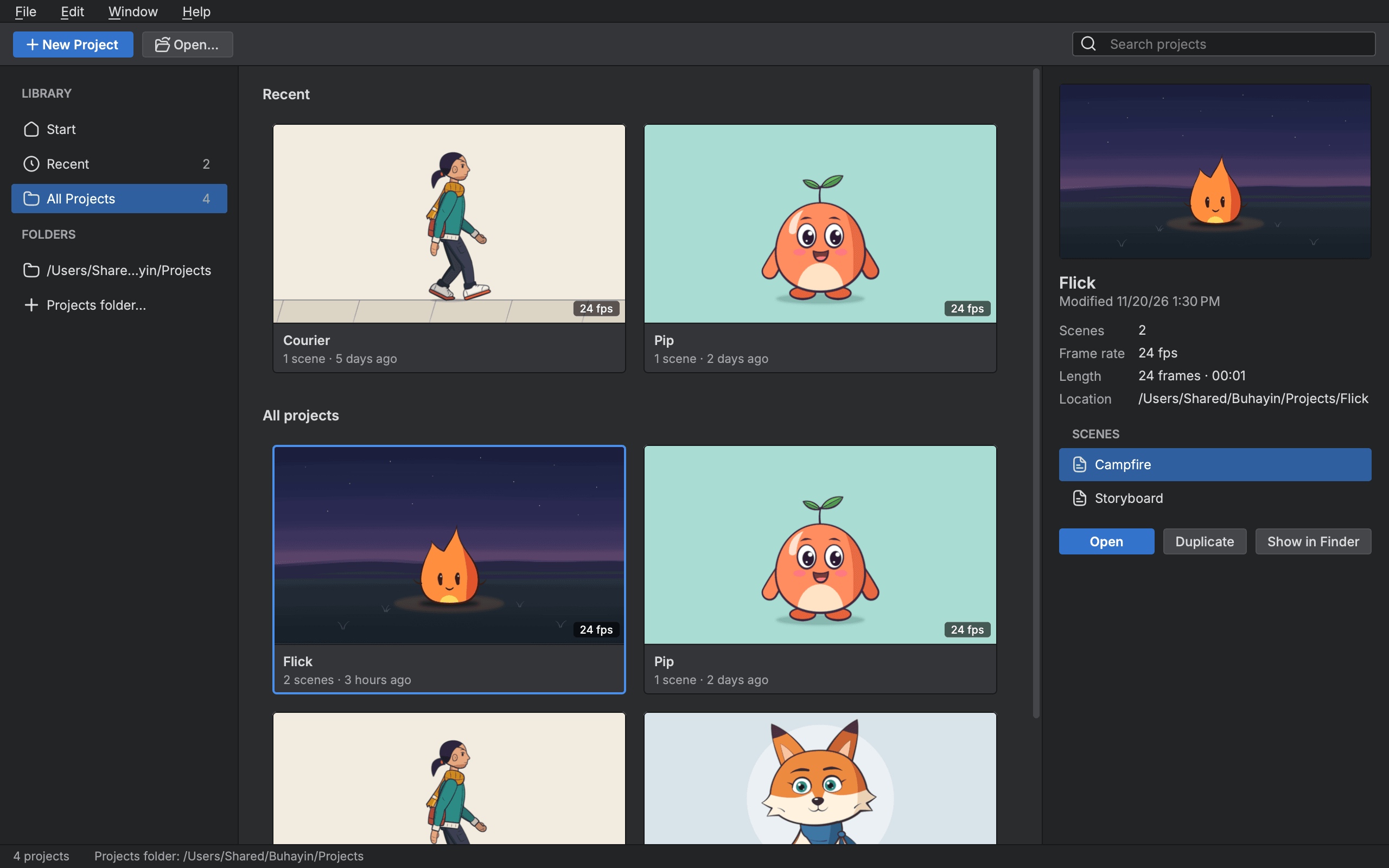
Start animating in Buhayin.
The editor is free for everyone, with every drawing, animation and export tool included.
macOS 14.2 or later, on Apple silicon