
Scripts and command line
Buhayin scripts in JavaScript inside the editor, and a command line program works on scene files with the same code and no window. A job done once by hand can then run across every scene you give it.
- Scripts in the editor
- Saved scripts and tools
- Batch render and export
- Command line, no window
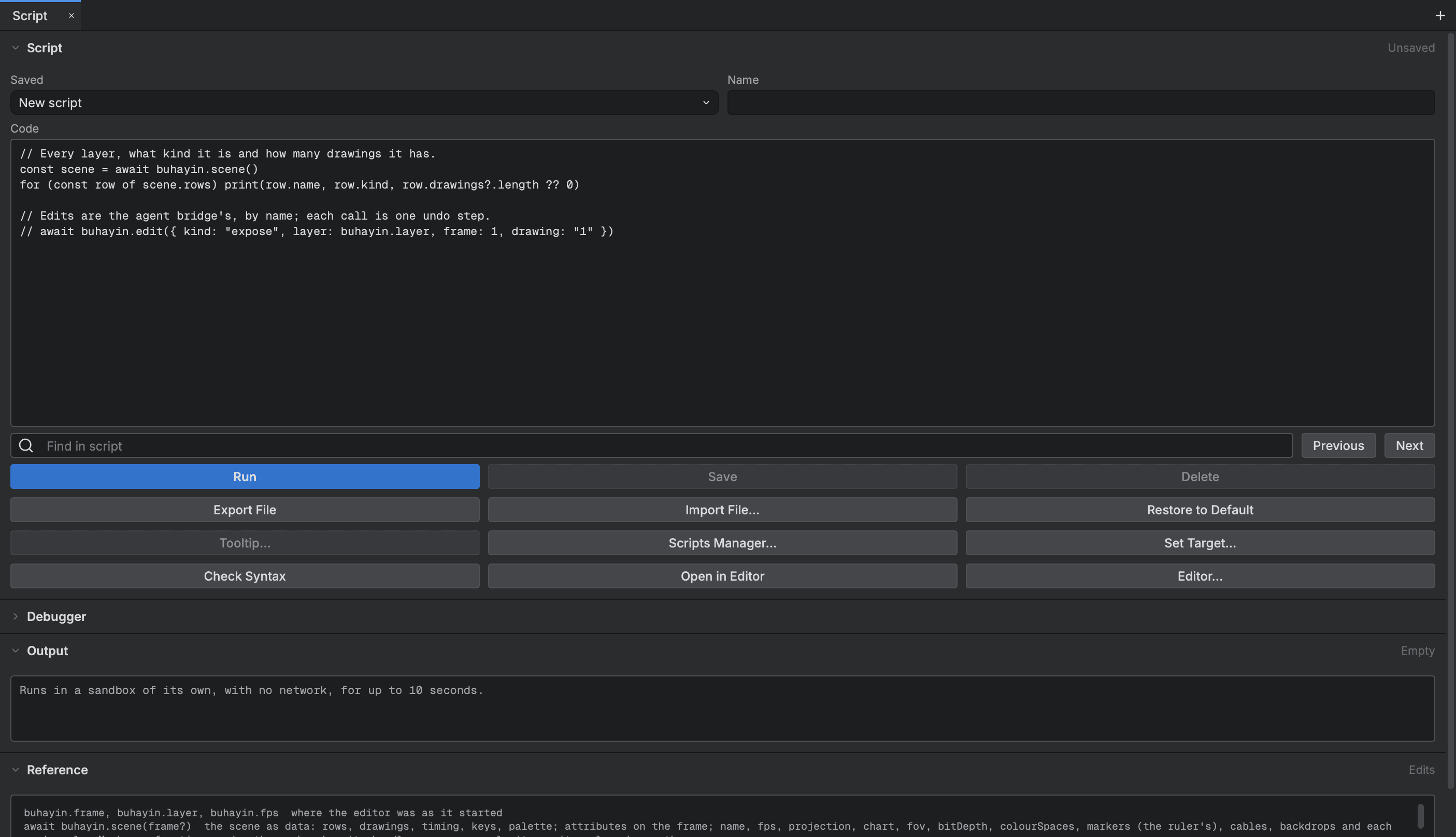
Scripting in the editor
- Scripts in the editor
- Write JavaScript, run it and read what it printed, without leaving the editor.
- Undoable edits
- A script changes the scene with the editor's own edits, and each one is an ordinary undo step.
- Saved scripts
- Keep scripts by name, put them on the Scripting bar, and start from the ones that ship with the app.
- Your own panels
- Add a panel and commands to the editor with a script file, so a team can give its animators their own tools.
The command line
- Render and export
- Render a frame or export frames, movies and sheets from the command line with the editor's own options.
- Batch render
- Render every render target of a scene, or every scene of a project folder, in one go.
- Scripts over many scenes
- Run a script on one scene or many, and run scripts before and after a render.
Start animating in Buhayin.
The editor is free for everyone, with every drawing, animation and export tool included.
macOS 14.2 or later, on Apple silicon