
In and out
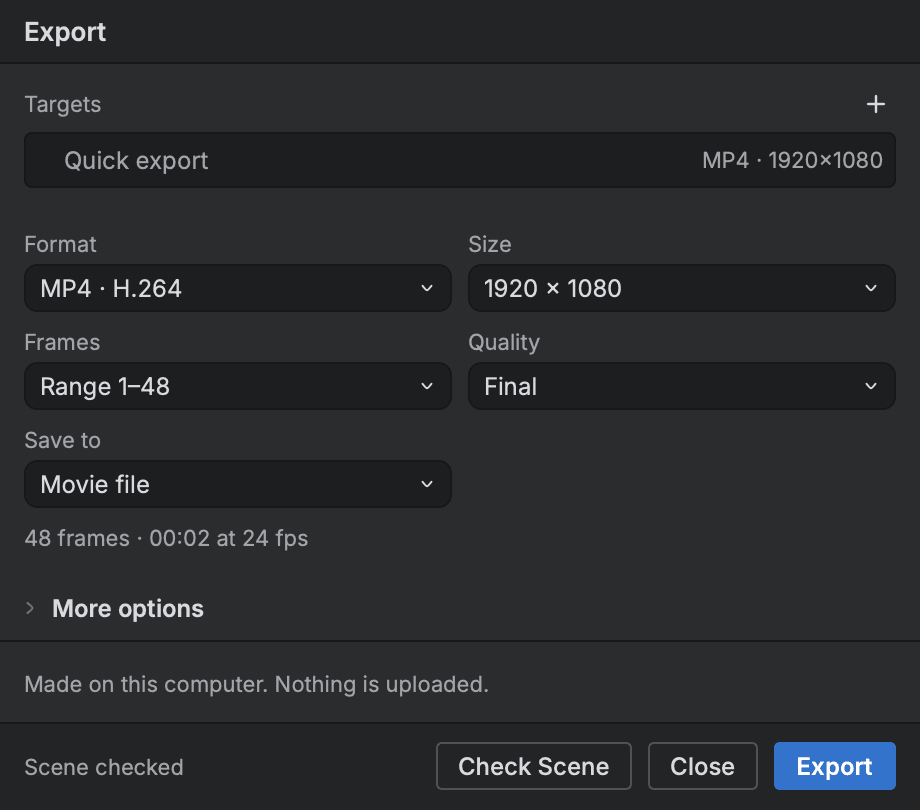
Work comes into Buhayin as pictures, layered files, vector art, movies and whole scenes, and goes out as movies, frame sequences, sheets, edit lists and PDFs. Everything that comes in is read into Buhayin's own model, and what could not come across is noted so you can see it.
- Harmony scene import
- Movies and image sequences
- Vector and picture import
- Edit lists for editors
Bring work in
- Import Harmony scenes
- Bring a Harmony scene in with its drawings and palettes, and see what could not come across.
- Vector line art
- Bring in SVG and PDF line art as marks, with their colours added to your palette.
- Pictures and sequences
- Place pictures and image sequences in the scene, and link them so they refresh from their files.
Send work out
- Movies
- Export MP4, WebM or MOV movies with the sound alongside the picture.
- Image sequences
- Export numbered frames to a folder or a zip, for any range and size, with line, colour or matte passes.
- Animated GIF
- Make animated GIFs with a choice of colours and dithering.
- Edit lists
- Send a board's shots to an editing program as an edit list, and read an edited cut back.
Start animating in Buhayin.
The editor is free for everyone, with every drawing, animation and export tool included.
macOS 14.2 or later, on Apple silicon